

Move to Odoo With Numbers That Tie Back on Day One
The risk in a migration is not the loading, it is the reconciliation and the cutover weekend. We profile and clean your source data, prove every total against your old system, and run the switch to a timed plan with a route back.
50+ ERP and software projects. Zero failed projects since 2021.
A new ERP loses trust the first time a report does not match
Once finance stops believing the stock figure, people quietly return to their spreadsheets and the rollout is over.
Do not carry the old mess into Odoo
Most source data holds the same partner three times, product codes that meant different things in different years, and accounts nobody has posted to since 2019. We profile all of it and hand you a report, so you decide what merges, what is renamed and what is left behind.
- A duplicate and blank-field report before any load.
- Merge and naming rules agreed by your team.
- Cleaning applied in staging, never in production.

Moving up an Odoo release is its own project
Odoo ships yearly, and an upgrade moves the database itself rather than loading fresh records. The risk sits in your custom modules and integrations, so we rehearse the whole thing on a staging copy, test every customization against the new release, and give you a written report before production is touched.
- Database upgrade rehearsed on staging first.
- Custom modules and integrations tested against the release.
- A report and an agreed window before you commit.

The source systems we migrate out of
We work from whatever you have, whether that is a licensed ERP, an in-house tool, an older Odoo or years of spreadsheets.
From source extract to a cutover you can plan around
What a migration covers
Source data profile
A written report on duplicates, blanks, inconsistent codes and anything that will not map cleanly.
Field mapping sheet
Every source field matched to its Odoo destination, with the transformation rules recorded.
Cleaning in staging
Merges, renaming and standardisation applied to a working copy, never to your live records.
Batch reconciliation
Counts, control totals, trial balance and stock valuation matched before each sign-off.
Parallel run support
Help comparing both systems through a full cycle, so you switch on evidence rather than a date.
Cutover runbook
A timed plan with the freeze window, load order, checks, owners and the rollback route.
What a reconciled migration gives you
Why teams choose TCB Infotech for Odoo migration
Odoo migration questions
What can we migrate into Odoo?
Do you also handle Odoo version upgrades?
Do we have to bring across all our old history?
What happens to duplicate and messy records?
How do you prove the migration is correct?
Can we run both systems side by side for a while?
Plan Your Move to Odoo
Book a free consultation. Tell us what you are running today, and we will walk through what would move, what is worth leaving behind, and how the cutover would be sequenced.
Book a Free Consultation →No commitment. A practical first look at your migration.
What Is Inside an Odoo Migration
Loading records is the small part. Here is how we find out what your data really looks like, clean it safely, prove each batch against your old system, and sequence the cutover.
From a source extract to a cutover with a rollback route
We show you the state of your data before we touch it
The first deliverable is a profile of what you actually have: duplicate partners, blank mandatory fields, product codes used inconsistently across years, and accounts with no activity. Alongside it comes a mapping sheet naming every source field, its Odoo destination and the rule that transforms it.
- Duplicate, blank and inconsistency report.
- Field-by-field mapping with transformation rules.
- An honest list of what will not map cleanly.
Every batch is proved before the next one starts
Cleaning and merging happen in a staging area, so your live records stay untouched until you approve the outcome. Batches then load into a test database through repeatable scripts, and each is reconciled on counts, control totals, trial balance and stock value before your team signs it off.
- Cleaning applied to a working copy, never production.
- Scripted loaders that rerun identically at cutover.
- Batch-level sign-off by your own finance team.
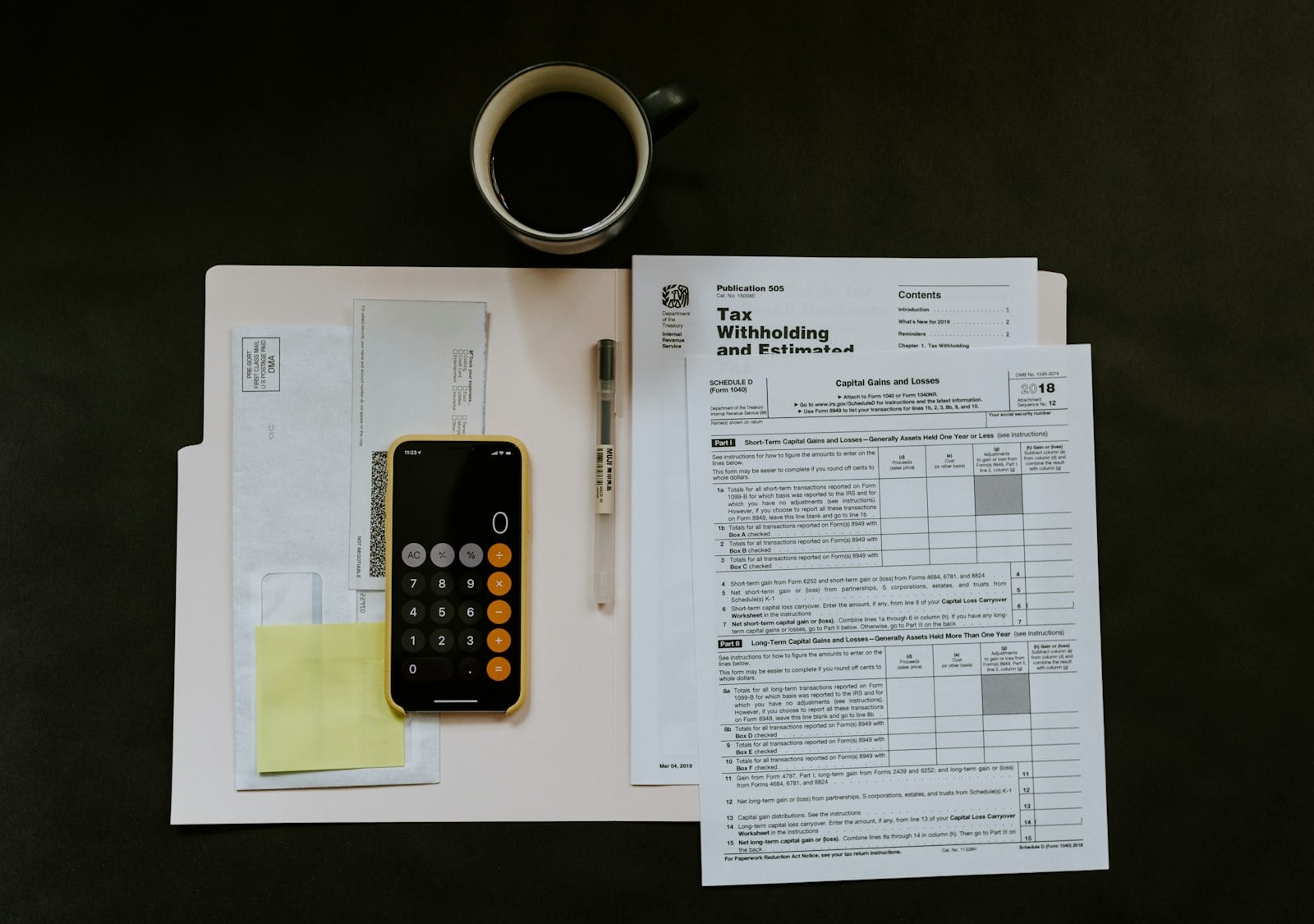
You switch on evidence, not on a date in the plan
For a version upgrade we move a staging copy of the database first and test every custom module and integration against the new release. For a first migration you post in both systems for a full cycle. Either way the switch itself is a timed runbook with owners, checks and a route back.
- Upgrade rehearsed on a staging database.
- A full cycle compared side by side.
- A rollback route agreed before the freeze begins.

The data sets we migrate
Partners
Customers, suppliers and contacts, de-duplicated, with addresses, tax details and payment terms.
Products and pricing
Product templates and variants, units of measure, price lists and bills of material.
Chart of accounts
Account structure, analytic accounts, taxes and fiscal positions mapped to the new setup.
Opening balances
Ledger balances, receivables and payables by partner, matched to the closing trial balance.
Stock on hand
Quantity and value by location, including lot and serial numbers where you track them.
Open documents
Unfulfilled orders, unpaid invoices and pending receipts, carried over at the final extract.