

Connect Any Tool to Your Core Systems
Bring accounting, HR, analytics or any other third-party software into your core systems, so data moves automatically instead of living in separate silos. Built for the tools that do not fit a specific ERP, CRM, payment or e-commerce integration.
50+ ERP and software projects. Zero failed projects since 2021.
Not every tool fits a specific integration category, and it still needs to connect
ERP, CRM, payment and e-commerce integrations cover well-defined system categories. Accounting platforms, HR tools, analytics dashboards and dozens of other tools fall outside those categories but still need to move data in and out of your core systems. This service is built for exactly that gap.
Third-party software integration covers everything outside the specific categories
If a tool is not an ERP, CRM, payment gateway or e-commerce platform, it usually still needs to talk to your core systems. This is the option built for that software, whatever it does.
- Accounting, HR, analytics and similar tools included.
- No category is too narrow or too unusual to scope.
- Runs alongside your other, more specific integrations.

Data flows in and out without manual exports
Instead of exporting a spreadsheet from one tool and uploading it into another, the connection moves records automatically, keeping your core system as the single accurate copy.
- No more spreadsheet exports between tools.
- Your core system stays the source of truth.
- New tools can be added to the same setup later.

One core system, several tools kept in sync
Illustrative example. Your actual tools and data flow depend on what you use today.
From a list of tools to a live, monitored connection
Everything needed to connect a third-party tool to your core system
Any third-party tool
Accounting, HR, analytics, communication or any other software you rely on.
Two-way data sync
Data flows in both directions where the tools and your workflow require it.
Field-level mapping
Only the fields that matter are mapped and synced, not a blanket data dump.
Exception alerts
Failed syncs and mismatched records are flagged instead of silently dropped.
Works alongside specific integrations
Runs next to your ERP, CRM, payment or e-commerce integrations without overlapping them.
Ongoing support
We adjust the connection as tools change or add new fields.
What third-party software integration changes day to day
Why teams choose TCB Infotech for third-party software integration
Third-Party Software Integration, answered
What counts as a third-party software integration?
How is this different from your ERP, CRM, payment or e-commerce integration services?
Which tools have you connected before?
Does data sync in both directions?
What if the tool has no public API?
How long does a third-party integration take?
Connect the Tools Your Core System Cannot Reach Alone
Software that sits outside ERP, CRM, payment and e-commerce integrations still needs to talk to your core systems. Leaving it disconnected means manual exports and data that drifts out of sync. Book a free consultation and tell us which tools need connecting.
Book a Free Consultation →No commitment. See the integration plan before you decide.
How Third-Party Software Integration Works
From listing the tools you use today to a live, monitored connection with your core system. Here is the process behind every third-party integration we build.
Discovery, build and monitoring, in that order
Understanding which tools need to connect and why
We start with the tools you already use and the data that matters between them and your core system, rather than assuming a generic set of fields.
- Every relevant tool listed before scoping.
- Only the fields that matter get mapped.
- Direction of data flow confirmed upfront.

Building the connection and testing it against real records
We build against each tool's API or supported export format, then run real records through the connection before it touches production data.
- Built against the tool's actual API or export method.
- Tested with real records, not sample data.
- Exception handling verified before go-live.
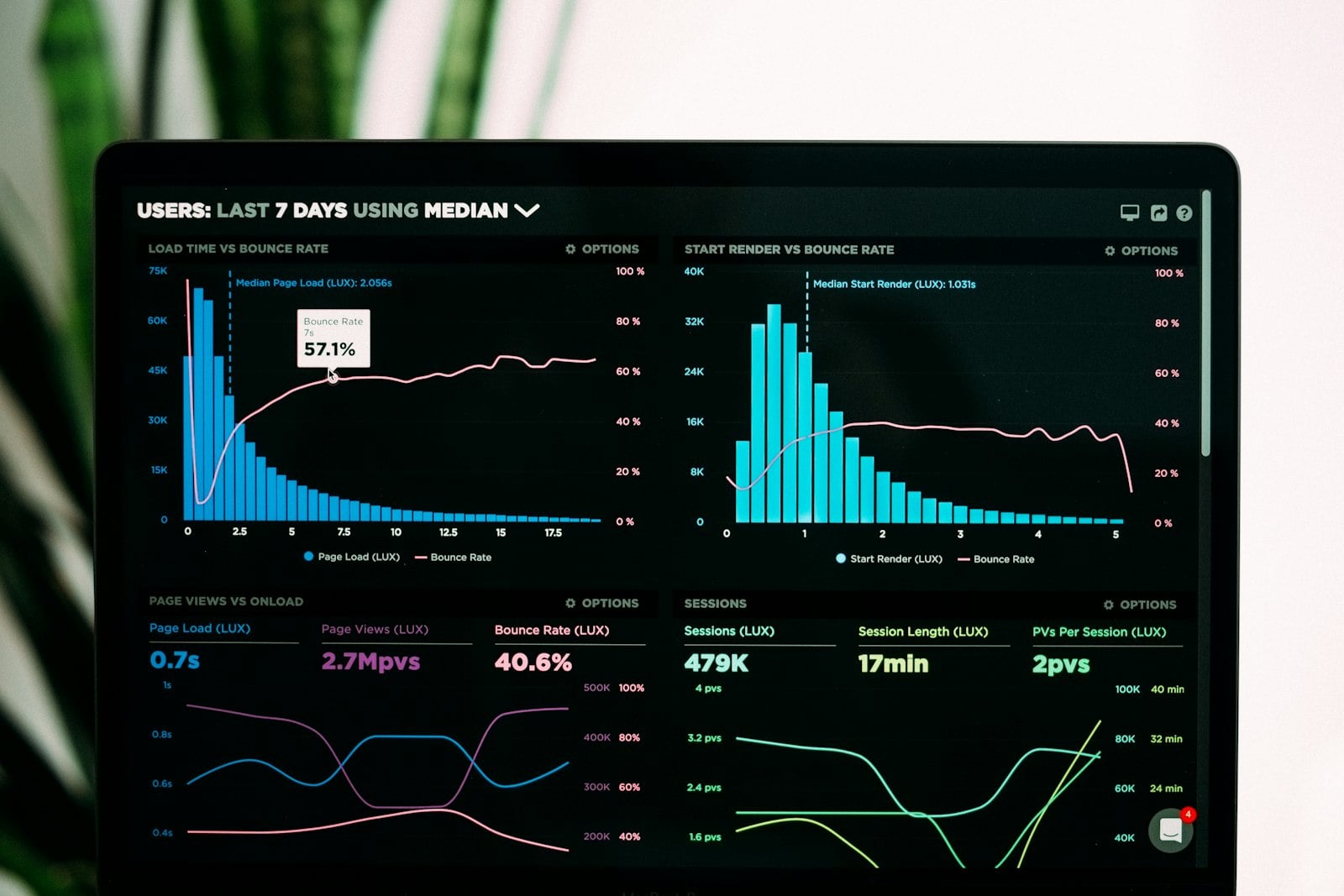
Going live with monitoring on every sync
Once live, records are tracked as they move, with failed syncs and mismatches flagged instead of surfacing later as bad data.
- Live monitoring from the first sync onward.
- Failed records flagged, not silently dropped.
- Adjustments made as tools or fields change.
Everything included in the integration
Any third-party tool
Accounting, HR, analytics or any other software you use.
Two-way data sync
Data flows in both directions where needed.
Field-level mapping
Only the fields that matter are mapped and synced.
Exception alerts
Failed syncs are flagged instead of silently dropped.
Works alongside other integrations
Runs next to your ERP, CRM or e-commerce integration.
Ongoing support
We adjust the connection as tools or fields change.