

Track Every Machine From Design to Dispatch
Machinery and capital-equipment builds run job by job, not off a repetitive line, with drawing revisions and bill-of-materials changes that hit the shop floor mid-build. TCB Infotech connects ERP, custom software and AI around that build-to-order or build-to-project reality, not a generic assembly-line template.
50+ ERP and software projects. Zero failed projects since 2021.
Job-Shop and Project-Based Builds, Not a Repetitive Line
A machine built to order does not move through the same stage twice the same way. The system has to track the specific build, not an average of many identical units.
Every machine tracked as its own build, start to finish
Each machine carries its own design record, fabrication tasks, assembly and testing checklist and dispatch record, so you can see exactly where any specific unit stands at any point.
- One record per machine, not per product line.
- Drawing and BOM revisions tied to shop floor tasks.
- Status visible from design through dispatch.
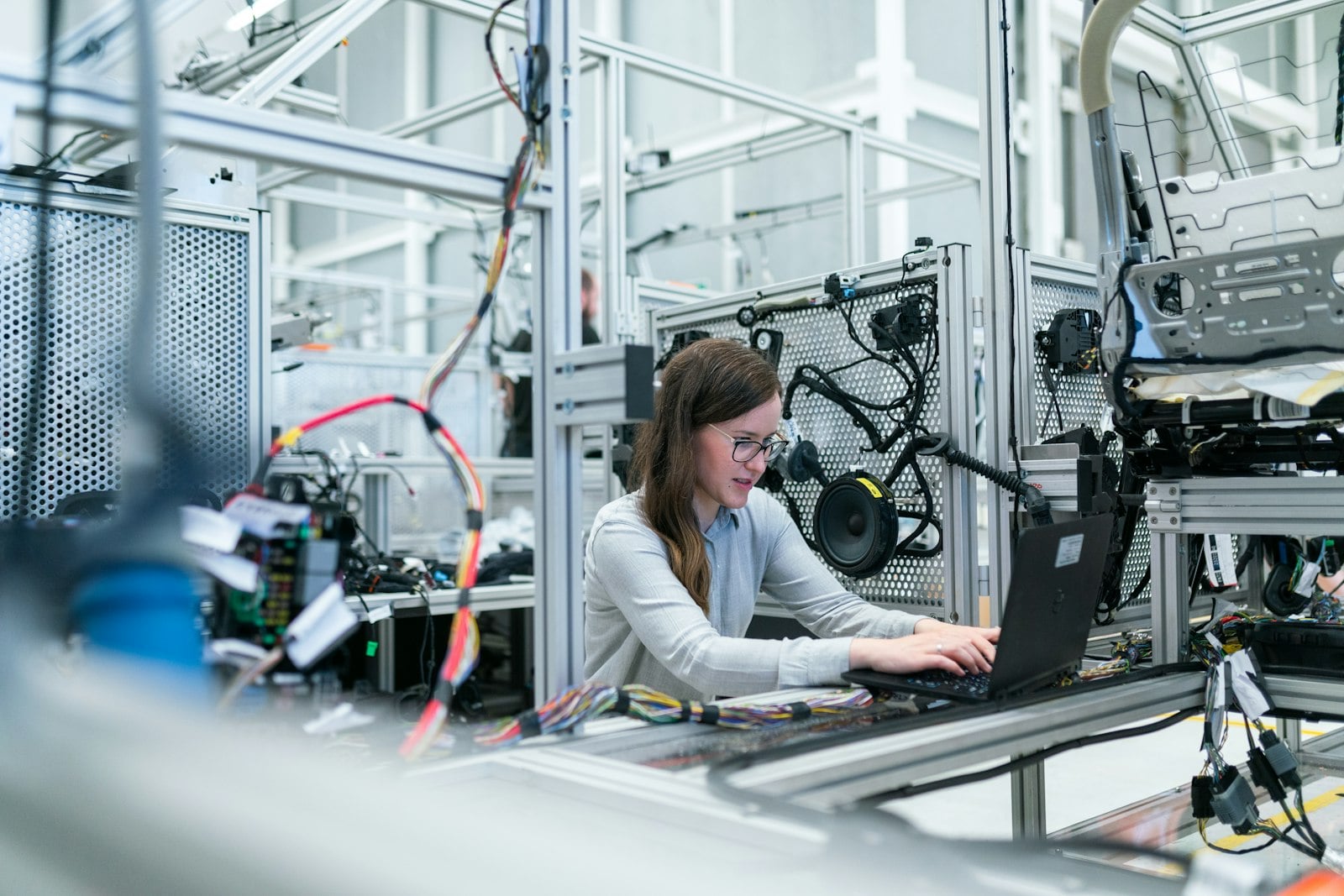
Production data connected to the ERP you already run
The custom tracking layer for design, fabrication and assembly connects to your existing ERP, so job costing, inventory and finance stay current without double entry, and AI flags spare-part and vendor delays before they hit dispatch.
- Connects to your existing ERP, no replacement needed.
- Custom tracking for what a generic module misses.
- AI flags delays in spares, vendors or sub-contract work.

From Your Build Process to a Running System
Everything a Machinery Build Needs Tracked
Design & Drawing Control
Every job tied to its current drawing revision, with changes flowing to the tasks they affect.
Fabrication & Machining Tracking
Progress against each fabrication and machining task, visible against the plan.
Assembly & Testing Records
Checklists and test records captured against each machine before it ships.
Spare Parts & BOM Management
Bill-of-materials revisions and spare-part stock tracked against active jobs.
Vendor & Sub-Contract Tracking
Outsourced fabrication or machining tracked with the same visibility as in-house work.
After-Sales Service Tickets
Field service and warranty tickets linked back to the machine's original build record.
What This Changes for a Machinery Build
Why Machinery Manufacturers Run Their Systems Through TCB Infotech
Industrial Machinery, Answered
What does TCB Infotech actually do for a machinery manufacturer?
Does this replace our existing ERP?
How do you handle drawing revisions and BOM changes mid-build?
How long does a typical engagement take?
What support do we get after go-live?
Can ERP integration, custom software and AI be combined into one project for us?
Get a System Built Around How You Build Machines
Book a free consultation, walk us through your build process, and we will scope the ERP, software or AI that actually fits your shop floor.
Book a Free Consultation →No commitment. See a scope before you decide.
How We Track a Machinery Build, Design to Dispatch
From the first drawing to the dispatch note, here is what the system tracks on a build-to-order or build-to-project machinery floor.
Design, Fabrication and Assembly, in One Record
A drawing revision that never gets out of sync with the floor
Each job carries its current drawing revision and bill of materials. When engineering issues a change, the affected fabrication and assembly tasks are flagged automatically, instead of relying on someone to notice.
- Current revision tied to every open job.
- Change history kept against each drawing.
- Affected shop floor tasks flagged on a revision.
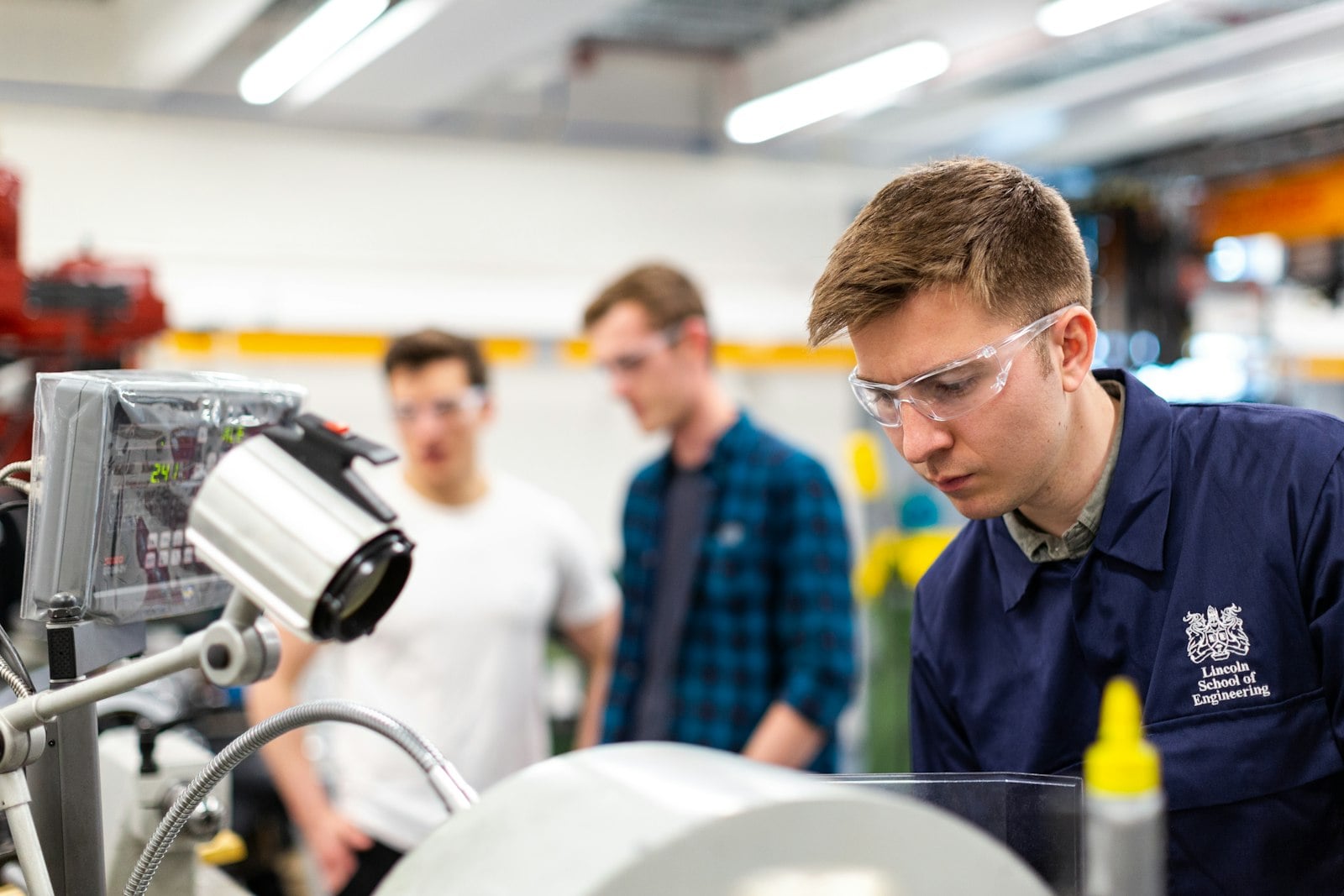
Every fabrication and machining task visible against the plan
Fabrication and machining tasks are logged against the job they belong to, so a supervisor can see which parts are on schedule and which are running behind before it affects assembly.
- Task-level progress per job, not per shift.
- Delays visible before they hit assembly.
- Machine and operator load visible together.

A testing record and dispatch note for every machine
Assembly checklists and test results are captured against each machine before it is marked ready to ship, and the dispatch record connects back to the original job and drawing for after-sales reference.
- Assembly and test checklists per machine.
- Dispatch tied to the original design record.
- After-sales tickets reference the same build.
Everything Included in the Engagement
Design & Drawing Control
Revision history and current version tied to every open job, with changes flagged to affected tasks.
Fabrication & Machining Tracking
Task-level progress against each job, so delays are visible before they reach assembly.
Assembly & Testing Records
Checklists and test results captured per machine, kept for after-sales reference.
Spare Parts & BOM Management
Bill-of-materials revisions and spare-part stock tracked against active and future jobs.
Vendor & Sub-Contract Tracking
Outsourced fabrication, machining or coating tracked with the same visibility as in-house work.
After-Sales Service Tickets
Field service and warranty tickets linked back to the machine's original build and drawing record.