

Automate the Processes That Run Your Business
We map your processes, connect your systems, and automate the steps and approvals end to end, across finance, HR, procurement and operations, with your rules and your oversight.
50+ ERP and automation projects. Zero failed projects since 2021.
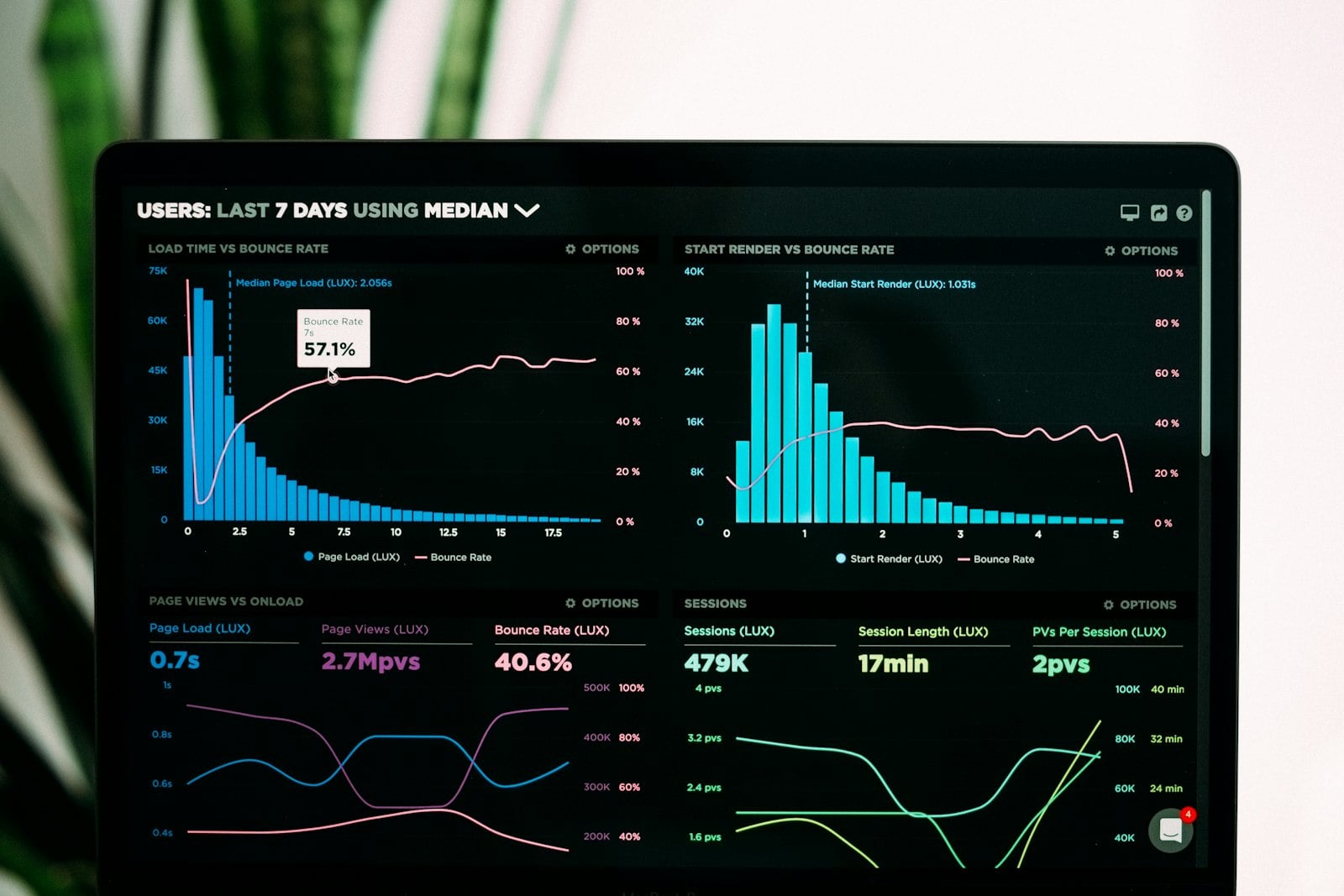
Automate the whole process, not one task
A single automated task saves a few minutes. An automated process moves work through every step and team on its own.
It moves work through every step, across teams
Business process automation connects the steps that span people, systems and approvals, so a request flows from start to finish without someone chasing it. Instead of automating one click, it runs the whole chain.
- Maps the steps, owners and rules.
- Moves work between people and systems.
- Finishes the process, not one step.

Approvals, exceptions and a clear trail
You set the rules and the approvals. High-value steps wait for a person, exceptions are flagged, and every action is logged, so the process is faster but you keep control and can see exactly where anything is.
- Approvals routed to the right person.
- Exceptions flagged, not buried.
- A full audit trail of every step.

How we automate a process
Built around how the work really flows, not a flowchart on a slide.
We model the steps, owners and rules
We map how the work actually flows, the steps, the people, the decisions and the rules, so the automation matches reality and we tidy the process before we build it.
- Every step and owner mapped.
- The decision points and rules.
- The process tidied before build.
It works across your systems
We connect the automation to your ERP, CRM, email, documents and databases, so the process moves data between them instead of waiting for a person to re-key it.
- ERP, CRM, email and documents.
- Moves data between systems.
- No re-keying between steps.
It runs the steps on its own
The automation triggers each step in order, creates records, sends messages and updates systems, so the work moves forward the moment it is ready rather than when someone gets to it.
- Triggers steps in order.
- Creates records and sends updates.
- Keeps the process moving.
Approvals reach the right person
When a step needs sign-off, the automation routes it to the right approver with the context, sends reminders, and moves on the moment it is approved, so nothing sits waiting in an inbox.
- Routes to the right approver.
- Sends reminders automatically.
- Continues the moment it is approved.
It flags what does not fit
When something is out of policy, missing or unusual, the automation stops that case and flags it for a person, rather than forcing it through, so the routine flows and the odd ones get attention.
- Catches out-of-policy cases.
- Flags them for a person.
- Lets the routine flow.
You can see where everything is
Dashboards show what is in progress, what is waiting, and where the bottlenecks are, with a full audit trail, so the process is no longer a black box in someone's inbox.
- Live status of every case.
- Bottlenecks made visible.
- A full audit trail.
Processes teams automate first

Finance and accounting
Invoice approvals, reconciliations, expense claims and reporting, run consistently with sign-off where it matters.

HR and people
Onboarding, leave and access requests, and approvals, handled through structured workflows instead of email.

Procurement
Purchase requests, supplier checks and multi-step approvals, with policy enforced at the point of request.
Operations
Order management, data sync between systems and scheduled reporting, with exceptions flagged for the team.

Sales and CRM
Quote-to-order, CRM updates and handoffs to delivery, so deals move without manual steps between teams.

IT and admin
Access requests, ticket routing and routine admin, raised, approved and actioned without the back and forth.
From a messy process to a working flow
With and without process automation
- Work moves by email, chased step by step.
- Approvals sit in inboxes for days.
- Data is re-keyed between systems.
- Nobody can say where a request is stuck.
- Volume only grows by adding headcount.
- Work flows from step to step on its own.
- Approvals are routed and chased automatically.
- Data moves between systems without re-keying.
- A dashboard shows where every case is.
- Volume scales without adding headcount.
Automation works across the systems you already run
We connect to the tools you use, not a walled garden.
What automation changes in practice
Why teams choose TCB Infotech for process automation
Business process automation questions
What is business process automation?
How is it different from RPA or workflow automation?
Which process should we automate first?
Do we need to replace our current software?
Will we still be in control?
How long until the first process is live?
Automate Your Most Painful Process
Book a free consultation. We will find the process where automation pays back fastest and show you how it would work.
Book a Free Consultation →No commitment. A working assessment of where automation fits.
The Features That Make Automation Work and Stay in Control
An automated process is only as good as how well it is mapped, how cleanly it connects your systems, and whether you can see and govern it. Here are the features that matter.
What sets real automation apart
It is built on how the work really flows
We map the steps, owners, decisions and rules of your process before we build, so the automation matches reality, and we tidy the process first instead of automating the mess.
- Every step and owner mapped.
- Decision points and rules captured.
- The process tidied before build.
It connects the systems the process touches
The automation links your ERP, CRM, email, documents and databases, moving data between them as the process runs, so steps no longer wait for a person to copy data across.
- Connects ERP, CRM and documents.
- Moves data between systems.
- No re-keying between steps.
Approvals, exceptions and a clear trail
Approvals are routed to the right people, exceptions are flagged for review, and every action is logged, so the process runs fast while you keep control and can audit every step.
- Approvals routed with context.
- Exceptions flagged, not buried.
- Full audit trail of every action.
Everything an automated process needs
The right sign-off, every time
Rules decide who approves what, with limits, delegation and escalation built in, so approvals reach the right person and never stall because someone is away.
- Rule-based approvers and limits.
- Delegation and escalation.
- Reminders until it is actioned.
One process across many systems
A single process can read and write across your ERP, CRM, email and databases, so the work flows between systems without anyone moving data by hand.
- Reads and writes across systems.
- Keeps records in sync.
- One process, many tools.
Built for control from the start
Permissions, approvals, exception handling and audit trails are part of the build, so the process runs on its own where it is safe and waits for a person where it should.
- Permissions and limits you set.
- Approvals on the steps that matter.
- A full audit trail of every action.
People hear about it at the right moment
The process notifies the right people when they need to act, by email, chat or WhatsApp, and reminds them until they do, so nothing waits because someone did not know.
- Alerts the right person to act.
- Email, chat and WhatsApp.
- Reminders until it is done.
You can see the whole process
Dashboards show what is in progress, what is waiting and where the bottlenecks are, so the process stops being a black box and you can manage it on the numbers.
- Live status of every case.
- Bottlenecks made visible.
- Cycle-time and volume metrics.
We watch it and keep it sharp
We track cycle times, exceptions and where work piles up, then tune the rules and steps as your process and volumes change, so it keeps improving over time.
- Tracks cycle time and exceptions.
- Surfaces where work piles up.
- Tunes as the process changes.