

Automate the Steps Between Your Apps
We connect your ERP, email and tools, and run the routine process between them: a trigger fires, the rules check out, the action happens, and the right people are told.
50+ ERP and automation projects. Zero failed projects since 2021.
The work between the apps is where time goes
Your tools are fine. The copying, chasing and waiting between them is the problem.
Data moves on its own
When a form is filled, an order is placed or a deal is won, the data flows to the next system by itself, so nobody re-keys it and nothing is missed.
- Triggers from forms, email, ERP and CRM.
- Data passed cleanly between systems.
- No more re-typing the same thing.

Requests route themselves to the right person
Leave, purchase and expense requests go to the right approver, send reminders if they wait, and update every system once approved, so nothing sits in an inbox.
- Rules decide who approves what.
- Reminders chase the stragglers.
- Systems update on approval.

When this happens, do that
A few of the workflows teams ask us for most.
Trigger, check, act, notify
Every workflow we build follows the same simple shape.
Processes that span apps and people

Finance and accounts
Invoice processing, approvals, reminders and reconciliation across email and the ERP.

HR and onboarding
Joining, leave, expenses and offboarding, with accounts and checklists handled.

Order to cash
Quote to order to invoice to delivery, with each step triggering the next.

Procure to pay
Indents, purchase orders, receipts and vendor payments, routed and approved.
Sales and CRM
Lead capture, assignment, follow-up and handover into delivery and billing.
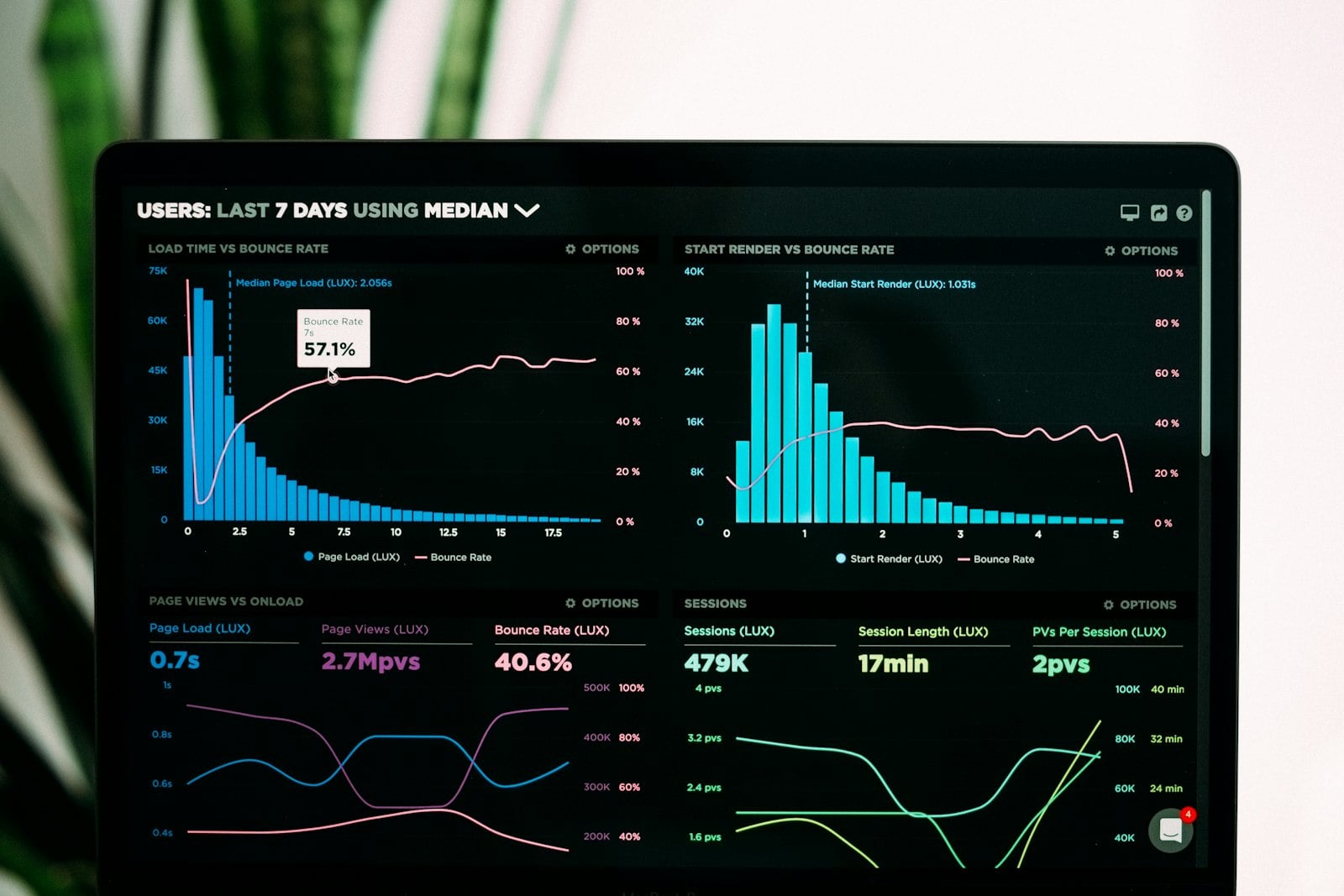
Reporting and alerts
Scheduled reports, threshold alerts and exception flags sent on their own.
Workflows run across the tools you already use
We connect your systems, not lock you into one.
What automation changes in practice
Why teams choose TCB Infotech for automation
Workflow automation questions
How is workflow automation different from an AI agent?
Do we need to replace our software?
Can a workflow include human approvals?
What if a step fails?
How long until the first workflow is live?
Which processes should we automate first?
Automate Your Most Repetitive Process
Book a free consultation. We will map the process that wastes the most time and show you the workflow that fixes it.
Book a Free Consultation →No commitment. A working assessment of where automation fits.
The Features That Make a Workflow Reliable
A workflow is only useful if it triggers at the right moment, makes the right decisions, and handles the day it goes wrong. Here are the features that matter.
From trigger to audit log
It starts at the right moment
Workflows trigger on a form, an email, a record change, a schedule or a threshold, then check conditions to decide exactly what should happen next.
- Triggers from your apps and events.
- Conditions and branches for the logic.
- Scheduled and recurring runs.
It does the steps, and waits when it should
The workflow creates records, updates systems and sends messages, and pauses for a human approval on the steps that need one.
- Multi-step actions across systems.
- Human approvals built into the flow.
- Reminders so nothing stalls.
It handles the day it goes wrong
When a step fails, the workflow retries, logs the error and alerts a person, and every run is recorded, so you can see what happened and fix it.
- Retries and error handling.
- Alerts when something needs a human.
- A full audit log of every run.
Everything a workflow needs to run unattended
Integrations
Connect ERP, email, CRM, databases, sheets and your own APIs in one flow.
Data mapping
Move and transform data between systems so each one gets it in the right shape.
Scheduling
Run on a schedule, on an event, or at a threshold, day or night.
Permissions
Control who can change a workflow and who approves what it does.
Monitoring
Dashboards show runs, failures and time saved, so you can see the impact.
Reusable building blocks
Common steps are reused across workflows, so new ones are quick to build.